-
Shop
- Advanced Technologies
- AI Skills for Creators & Freelancers
- AI Client Management
- AI Ethics
- AI Mindset
- AI Tools & Prompts
- AI Writing & Content Creation
- Audio, Voice & Music
- Design & Visual Creation
- Email, Messaging & Communication
- Freelancing & Business
- Marketing, Ads & Conversion
- Productivity, Workflow & Automation
- SEO & Search Optimization
- Social Media Content & Growth
- Strategy, Planning & Analytics
- Video Creation & Editing
- AI Skills Mastery 2026 Collection
- Bathroom
- Best-Sellers
- Car Accessories
- Confidence
- Dating & Social Skills
- Digital Resources
- Easter Products
- Education & Learning
- Family & Parenting
- Fashion
- Fashion Accessories
- Furniture
- Gadgets
- Health & Beauty
- Health & Wellness
- Home & Garden
- Home Electronics
- Home Supplies
- Jewelry
- Kids & Babies
- Kitchen
- Lighting
- Patio, Lawn & Garden
- Personal Growth
- Pet Care
- Pet Supplies
- Pets
- Shoes
- Smart Home Living Guides
- Sport & Outdoors
- Stress Relief & Relaxation
- Super Deals
- TikTok Growth & Monetization Mastery
- Travel
- Travel & Adventure
- Wealth
- Wellness
Pair a Bluetooth Headband: Quick Setup & Fixes
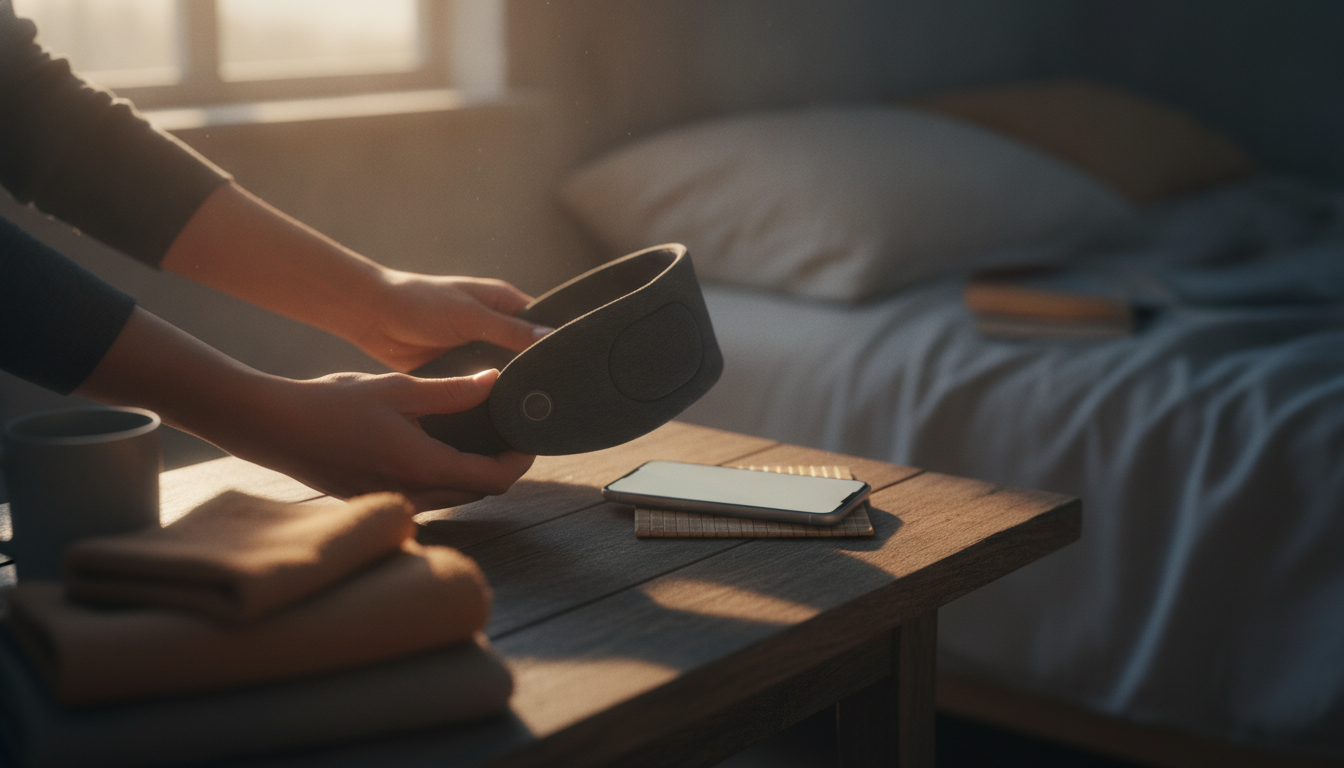
How do I pair my Bluetooth headband?
Pairing a Bluetooth headband is usually a quick, one-time setup. Start by charging the headband so it has enough power to stay on during pairing, then move close to the phone, tablet, or computer you want to connect.
Step-by-step pairing
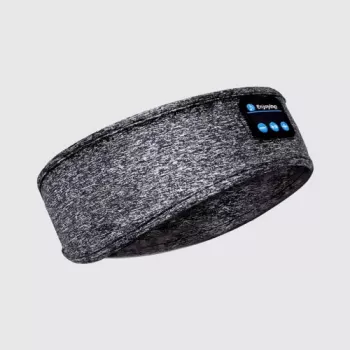
1) Turn the headband on. Press and hold the power button until you hear a tone or see a light indicator. Many headbands automatically enter pairing mode the first time they’re powered on.
2) Put it in pairing mode (if needed). If it doesn’t show up on your device, press and hold the power button a few extra seconds until the LED starts flashing (often red/blue) or you hear a “pairing” prompt.
3) Open Bluetooth settings on your device. On iPhone/iPad: Settings > Bluetooth. On Android: Settings > Connected devices (or Bluetooth). On Windows/macOS: Bluetooth menu in Settings/System Preferences.
4) Select the headband from the list. Tap the device name (often something like “BT Headband” or the model name). If prompted for a code, try 0000 or 1234 (common defaults).
5) Confirm audio. Play a song or video and raise volume gradually. If sound is low or coming from the phone speaker, choose the headband as the audio output device in your device’s audio menu.
If it won’t pair
First, turn Bluetooth off and back on, and restart the headband. If it still won’t connect, “Forget” or “Remove” the headband in Bluetooth settings and pair again. Also disconnect it from other devices nearby—some headbands try reconnecting to the last device automatically.
For model-specific button sequences, indicator light meanings, and extra troubleshooting tips, see the full guide: https://ulorin.com/guide-bluetooth-sleep-headband-hd-stereo-speakers/.
FAQ
How do I reset my Bluetooth sleep headband?
Power it off, then press and hold the power button until the indicator light pattern changes and it re-enters pairing mode. If your device still reconnects incorrectly, remove the headband from your Bluetooth list and pair again from scratch.
Recommended for you

Was this article helpful?
Yes
No









Leave a comment